Deep dives
VPN and Gaming Ping: What Changes Latency and How to Test It

Contents
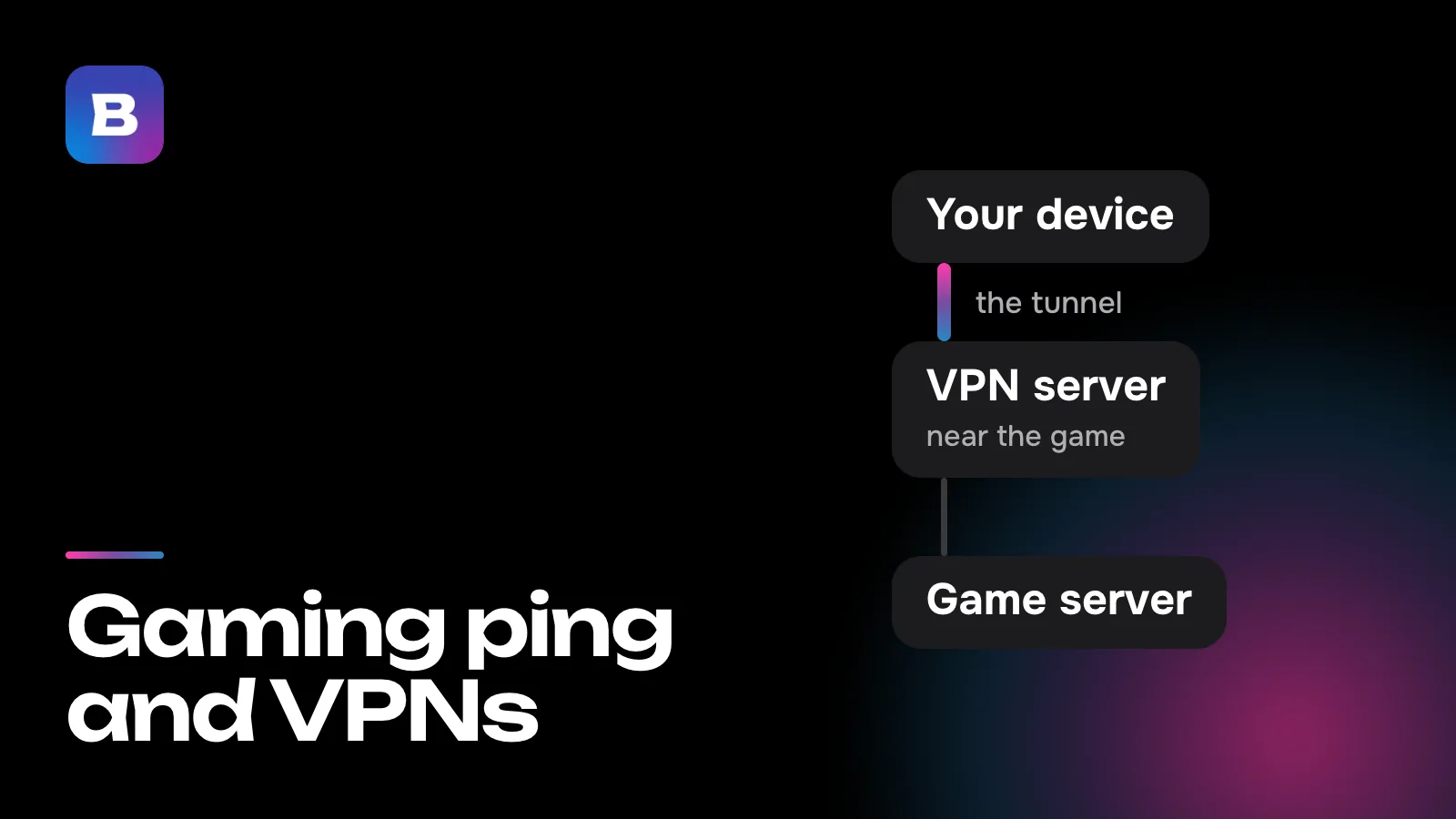
Ping is the time it takes a packet to get from your device to the game server and back. If you’re considering a VPN for gaming ping, it helps to know first what that delay is made of. A VPN adds one more stop along the path, so most of the time your ping goes up a little with it on. It drops only in a few cases, covered below, and measuring with and without the VPN shows if your game is one of them.
What your ping is made of
The first part is distance, and there’s no way around it. A signal in optical fiber moves at roughly 200,000 km per second, so every 100 km of cable adds about a millisecond to the round trip. New York and London are about 5,600 km apart in a straight line, which means ping between them can’t go below about 56 ms. In practice it’s higher, since cables don’t run in straight lines.
The second part is the route. A packet passes through several companies’ networks, and where those networks connect is set by agreements between them, not by geography. Sometimes traffic bound for a server in the next state or the next country takes a long detour before it gets there.
The third part is load. In the evening, when everyone’s home, links fill up and packets wait in line on your provider’s equipment. The fourth is your own network. Wi-Fi through two walls, neighbors’ access points on the same channel and an update downloading on another device all add delay before a packet even leaves your home.
A game can adjust to a steady delay, but not to spikes. When ping keeps dipping and jumping, your character stutters and hits register late. So besides the average, keep an eye on how much the delay varies (that’s called jitter) and on packet loss.
Where the extra milliseconds come from
Normally a packet travels from your router straight to the game server. With a VPN, it goes to the VPN provider’s server first and only then to the game. If that server sits off the direct path, you get a loop. Say you’re in Chicago, the game server is in Virginia, and you’ve connected through Germany. Your packets cross the Atlantic twice, and the delay grows by well over a hundred milliseconds.
The second cause only shows up on a line that drops packets. Games send their packets over UDP, and when one gets lost, the game simply skips it, since the next one already carries a fresh position. If a tunnel carries that traffic inside a TCP connection, a loss turns into a traffic jam. Everything behind it waits until the missing piece is resent, which takes at least one more round trip to the VPN server. A game sends packets many times a second, so losing one in a hundred means a spike every few seconds. Why tunnels over TCP behave this way is covered in our guide to VPN protocols.
Multihop adds one more stop. In this mode, traffic goes through an intermediate server in a third country, and the path to the game gets longer. Bebra sometimes turns multihop on while searching for a working server, when there’s no other way to connect. If after the search the app says “VPN is working via multihop”, try a different country near the game server before you play.
When a VPN does lower ping
Your provider routes traffic the long way
If your provider’s route to the game loops through another country while the VPN server has a shorter link to the game’s network, the path through the VPN ends up more direct. A traceroute will show this (more on that below).
Your provider slows some traffic down
Some providers throttle certain kinds of traffic or particular services at peak hours. Inside an encrypted tunnel the provider can’t tell your game apart from everything else, so it can’t slow it down on its own.
The game won’t connect from your network
Then it’s not about ping anymore. Without a VPN the game won’t connect, and through one it most likely will. What your provider and the game each see in that case is covered in our guide to how a VPN works.
In every other case, especially when the game server is in your own region and ping is already low without a VPN, a VPN won’t bring it down.
How to test it on your own connection
Find out where the game server is
You usually choose the server region in the matchmaking settings. If the game shows the server’s city or country, write it down.
Measure your ping without a VPN
Turn on the game’s own latency counter. Most online games have one in the interface settings or on the scoreboard. Play a few matches and note the average ping and how much it moves around.
Look at the route
With the VPN off, run tracert on Windows or traceroute on Mac and Linux to the game server’s address or to any site in the same city. If the delay jumps sharply at a hop in another country, your provider’s route is a poor one.
Connect in the game server’s country
In the Bebra app, tap the tile of the country where the server is, or the one closest to it on the way from you.
Measure again at the same hour
Play the same number of matches on the same server. Compare the average, the spread and the loss. If things got worse, play without the VPN or send the game around it.
The in-game counter is more reliable here than the system’s ping command. It measures the delay to the very server your match runs on, and many game servers don’t answer ping at all. Run the traceroute with the VPN off, because the point is to see your provider’s route.
Common mistakes
- Comparing different times of day. A daytime test without the VPN and an evening test with it don’t belong side by side. Your provider’s network is busier in the evening, and the difference may have nothing to do with the tunnel.
- Looking only at the average. Two setups with the same average ping play very differently if one of them has spikes and loss.
- Connecting to the country next to you. A short hop to the VPN server won’t help if the game is far from that server.
- Pinging whatever website comes to mind. The delay to a search engine or a news site says nothing about the path to a game server in another city.
- Expecting a VPN to fix your home network. If ping jumps even without the VPN and the traceroute shows the delay at the first hop, your Wi-Fi or router is to blame, and a tunnel won’t change that.
Which country to pick in Bebra
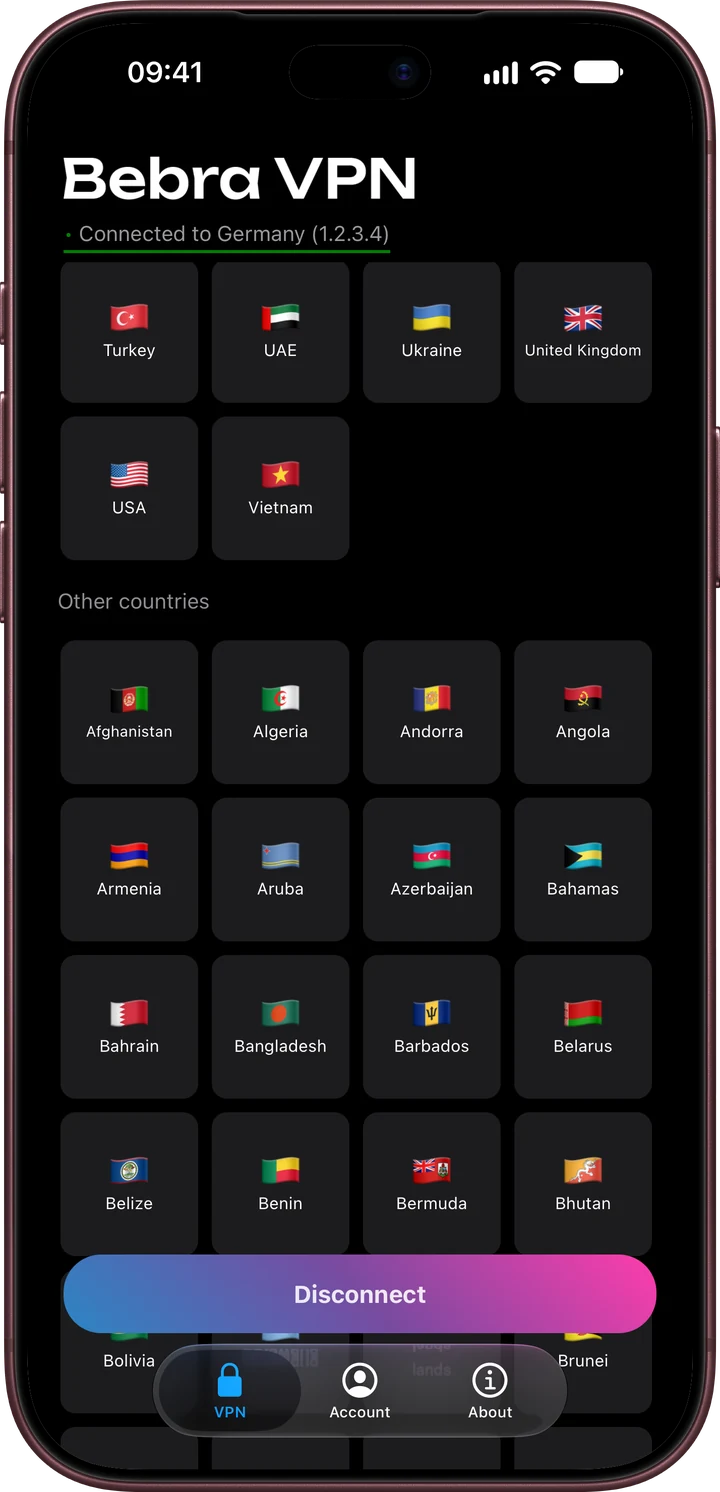
A country in Bebra is the place your traffic leaves from on its way to the game. So start with the country where the game server is, then try its neighbors and compare the numbers. The app has no way of knowing which server your match is on, so “Fastest” picks a country without that hint, and before a match it’s safer to tap a specific country. “Random”, as the name suggests, won’t give you results you can repeat.
The easiest way to find the country you need is “Search”. If you connect to it regularly, it’ll show up in “Favorites”, which lists countries you’ve connected to at least twice in the last month. Which city each country connects to is listed on the locations page.
A country’s place in the “Countries with the highest speed” section says nothing about your ping to the game. Fast downloads and low latency are different qualities of a connection, and latency depends mostly on distance.
Keeping the VPN out of your match
Sometimes you keep the VPN on for other apps while it only adds milliseconds to your game. In that case, take the game out of the tunnel. Tap “Tunnel” on the home screen and choose “Manual”. That’s where you enter the game servers’ domains, subnets or individual IP addresses, one per line. On Android the same screen has “Apps that bypass the VPN”, where you can tick the whole game. Android 12 and older apply that list only in part.
On Android, the system sometimes turns the VPN off in the background to save battery, and the connection drops mid-match. Open Account → Settings and, under “Battery saving”, tap “Add to exceptions”.
The rest has nothing to do with the VPN. Plug your computer in with a cable or use 5 GHz Wi-Fi and sit closer to the router, and pause downloads on other devices while you play. If the “Bad connection” banner shows up, tap “Fix the problem” between matches. The search for a working server can take a couple of minutes, which you don’t want in the middle of a game.
Consoles and game rules
Bebra doesn’t have apps for game consoles. You can connect a console through your router, though. For Keenetic, OpenWrt and MikroTik routers there’s a Bebra app that runs on the router itself and sends your whole home network, or just the devices you pick, through the VPN. It needs an account with an email address and an active subscription.
Keep the rules in mind too. A VPN isn’t a way to buy games at another country’s prices. Section 3.A of the Steam Subscriber Agreement doesn’t allow you to hide your country of residence by masking your IP address or similar methods, and Valve may terminate access to the account. Some games have their own rules about VPNs, and it’s worth reading them before you connect. There’s more about using Bebra for games on the gaming page.
Every plan includes all 187 countries. To compare your ping with and without the tunnel in your own games, start with the trial for 10 ₽. 3 days of full access, then 500 ₽ per month. The subscription renews automatically.
Questions and answers
Will a VPN lower my ping if the game server is in my city?
No. The path only gets longer, since your packets go to the VPN server first. If your ping is already low and steady without a VPN, play without one.
Why does my ping jump around with a VPN even though my speed is high?
Speed and latency are different qualities of a connection. Uneven ping comes from packet loss, weak Wi-Fi, downloads on other devices and a faraway server. Check whether ping jumps without the VPN too. If it does, the cause is your home network or your provider.
Which protocol gives the steadiest ping?
On a line that drops packets, a UDP-based transport runs more smoothly. In Bebra the app chooses the protocol. If your ping jumps, pick a country closer to the game server or tap “Find working server” between matches.
Will a VPN fix packet loss in a game?
Only if the packets are lost in your provider’s network on the way to the game. If your home Wi-Fi is losing them, a VPN won’t change anything, because the tunnel runs over that same Wi-Fi.
How do I connect a game console to a VPN?
There’s no console app, but you can route the console through a router running the Bebra app. On the router’s page you choose which devices go through the VPN.
Can I use a VPN to buy games for less?
Steam’s rules don’t allow hiding your country by masking your IP address, and you can lose access to your account over it. A VPN is for playing, not for switching price regions.