Basics
How a VPN Works, From the First Tap to the Website

Contents
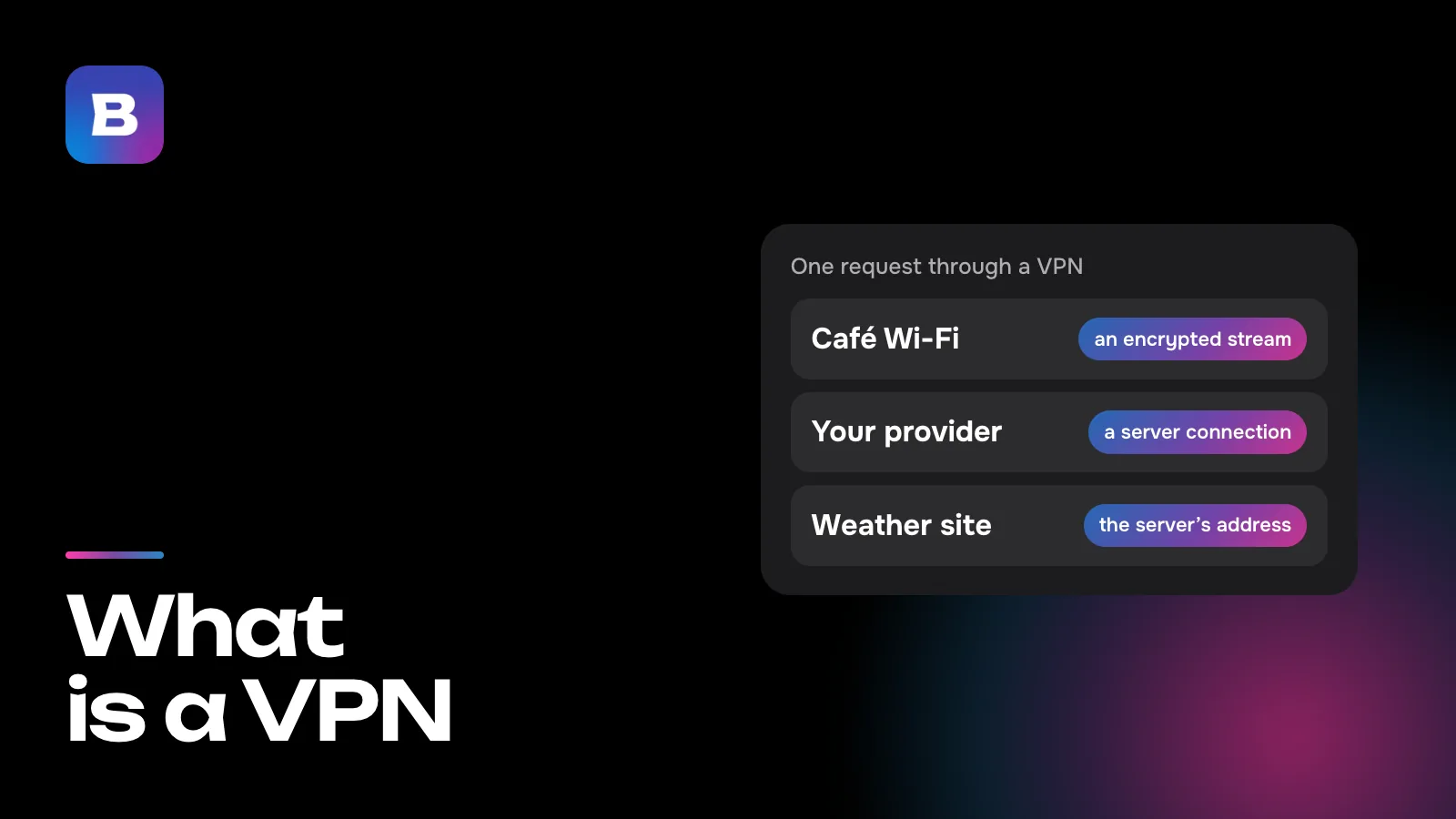
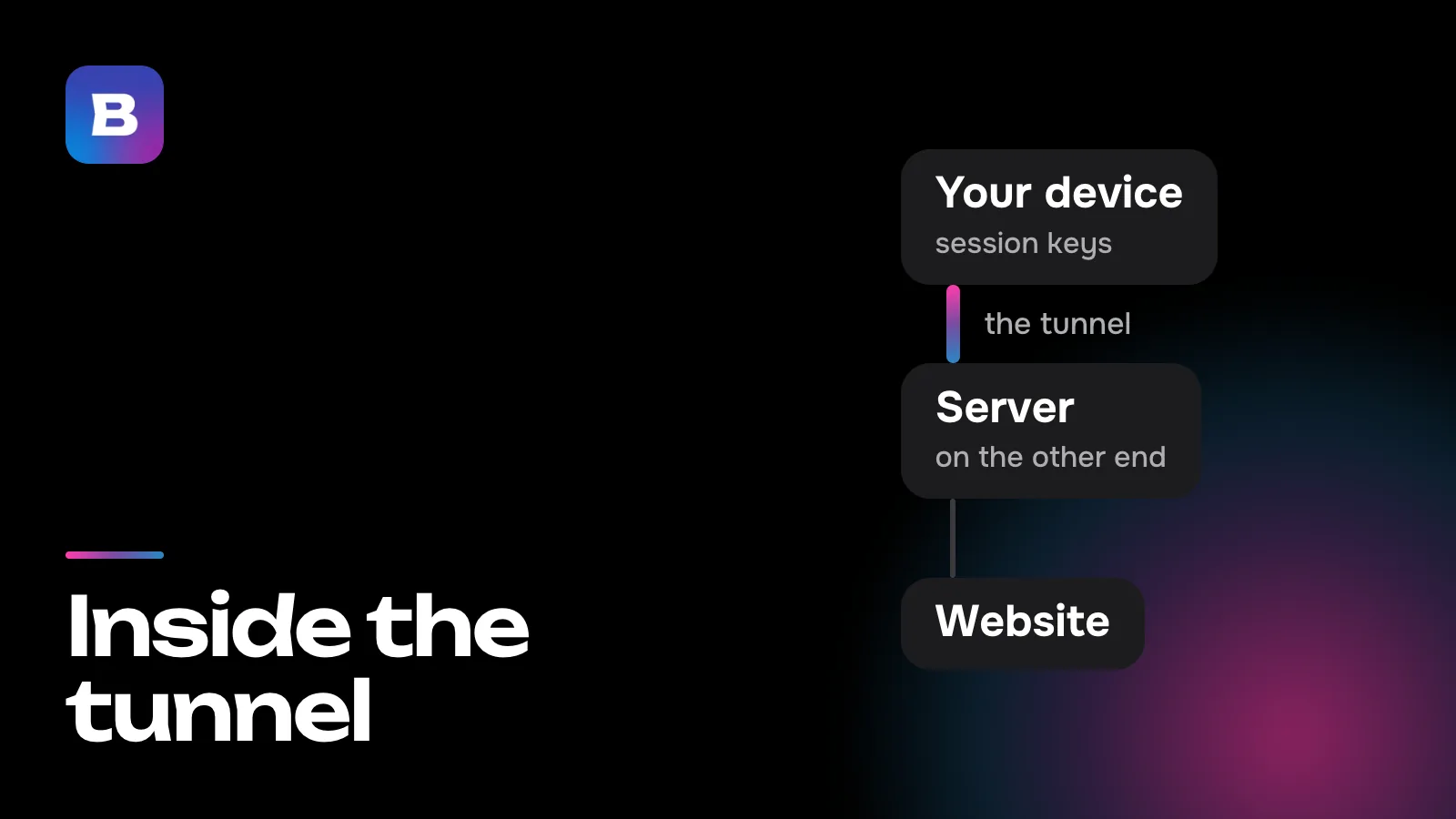
To your phone, a VPN is one more network connection, just a software one. All of the device’s traffic goes into it first and gets encrypted there with keys the app has agreed on with a server. The server decrypts the packets and opens sites under its own address.
The second after you tap a tile
In Bebra, you connect by tapping a country’s tile. In the moment before “Connected to” shows up on screen, your phone and the server get five things done.
A virtual connection appears
Your system gets one more network connection. There’s no cable or antenna behind it. It’s a piece of software that takes packets from other programs.
The system changes its routes
Everything that used to go straight to Wi-Fi or the mobile network now goes to this connection first.
The app picks a protocol
Out of VLESS + REALITY, XHTTP, Hysteria2 and Shadowsocks, it takes whichever gets through on your network. You don’t choose anything by hand.
The handshake happens
Both sides check each other and work out shared encryption keys for this session.
Packets go into the tunnel
Each packet is encrypted and sent to the server’s address. The server passes the request on, and the reply makes the trip back.
The virtual connection and its routes
On a phone or computer, a VPN plugs into the system as one more way to reach the network. On a phone, the system asks the first time whether the app may add a VPN. After that, the system decides where each packet goes, and by default it hands all of them to the tunnel.
The virtual connection has an address of its own. It’s internal and private, and websites never see it. What they see is a different one, the public address of the server you exit through. That’s why services think you’re in another country when you pick another tile, while the internal address stays a behind-the-scenes detail.
Your apps don’t need to know about the VPN. The browser, email, games and app store send data as usual, and the system steers it into the tunnel.
A phone can only have one such connection. Turn on another service’s VPN and the system drops Bebra’s tunnel. A computer will let you start a second client, but both will keep rebuilding the network their own way, and the connection gets unpredictable.
Handshake and session keys
Before a single packet of yours goes out, the app and the server shake hands. The app makes sure it’s talking to the real server and not to someone sitting in the middle. The server checks that the client connecting to it is one it’s supposed to serve.
Then both sides compute a shared secret using the Diffie–Hellman method. Each sends its public half, and only someone holding a private half can turn those into the secret. The secret itself never crosses the wire, so watching the handshake doesn’t reveal it. Session keys are derived from it, and the next connection gets new ones.
From there, data is encrypted with ciphers such as ChaCha20-Poly1305 or AES-GCM. They hide the contents and attach a check value to every packet. If a packet is altered in transit, even by one byte, the check fails and the receiver throws it away.
Handshakes look much alike from one protocol to the next. What sets protocols apart is how the connection appears from outside and how hard it is to tell from ordinary website traffic. There’s a side-by-side look in the article on VPN protocols.
A packet inside a packet
Every packet on the internet has a header with addresses and a payload. Without a VPN, the header names the site you’re reaching, so every hop along the way knows where the packet is going.
With a VPN, the original packet, destination and all, gets encrypted and becomes the payload of a new packet. The new header carries the server’s address instead. This is called encapsulation. The network delivers it like any other packet, and only the server learns the real destination once it decrypts it.
Not much is left visible from outside.
- The server’s address and port. Without them, the packet couldn’t be delivered.
- Timing and volume. When data moved and how many bytes it added up to.
- Packet sizes and rhythm. The contents are hidden, but the length of packets and the gaps between them aren’t.
Network filters look for exactly these traces when they try to tell a VPN from other traffic. Bebra’s protocols make the connection look like regular HTTPS, and if a route stops working, the app moves to another one by itself.
What the server on the other end does
The server strips the outer layer and pulls out the original packet. It sends the request inside to the website as its own, from its public address, and keeps track of who the reply belongs to. It encrypts the site’s reply with your session keys and sends it back down the tunnel. The app decrypts it and hands it to whichever program was waiting.
The website only ever deals with the server, and it works out the visitor’s country from the server’s address. You can watch the address change on the IP check page before and after you connect.
Sometimes there are two servers on the way. When a direct connection turns out shaky or won’t come up at all, the app switches on multihop by itself, and you still exit in the country you picked.
Since every reply from a site passes through the server, you feel the distance to it right away. A country on the far side of the world adds delay to every page load, while encryption costs next to nothing by comparison. For everyday use, the “Fastest” tile or a nearby country will do. Lag in online games has its own article on VPNs and ping.
Where DNS lookups go
Before opening a site, your device asks a DNS server which IP address the site lives at. Without a VPN, that question usually goes out in the open, so your provider knows where you’re headed before the page even starts loading.
HTTPS doesn’t change that. In October 2025, Google said its browser loads more than 99% of pages over HTTPS on Mac and Android, which keeps their contents away from your provider. Still, the site’s name leaks in two places, the DNS lookup and the very first message of the secure connection, where the browser tells the server which site it wants. On hotel or café Wi-Fi, that’s how the network owner can list the sites guests open.
In a properly set up VPN, DNS lookups travel through the tunnel with everything else, and the provider no longer sees site names. When they slip around the tunnel, it’s called a DNS leak. Pages stay encrypted then, but the list of sites is still out there for your provider to read.
A proxy is built more simply
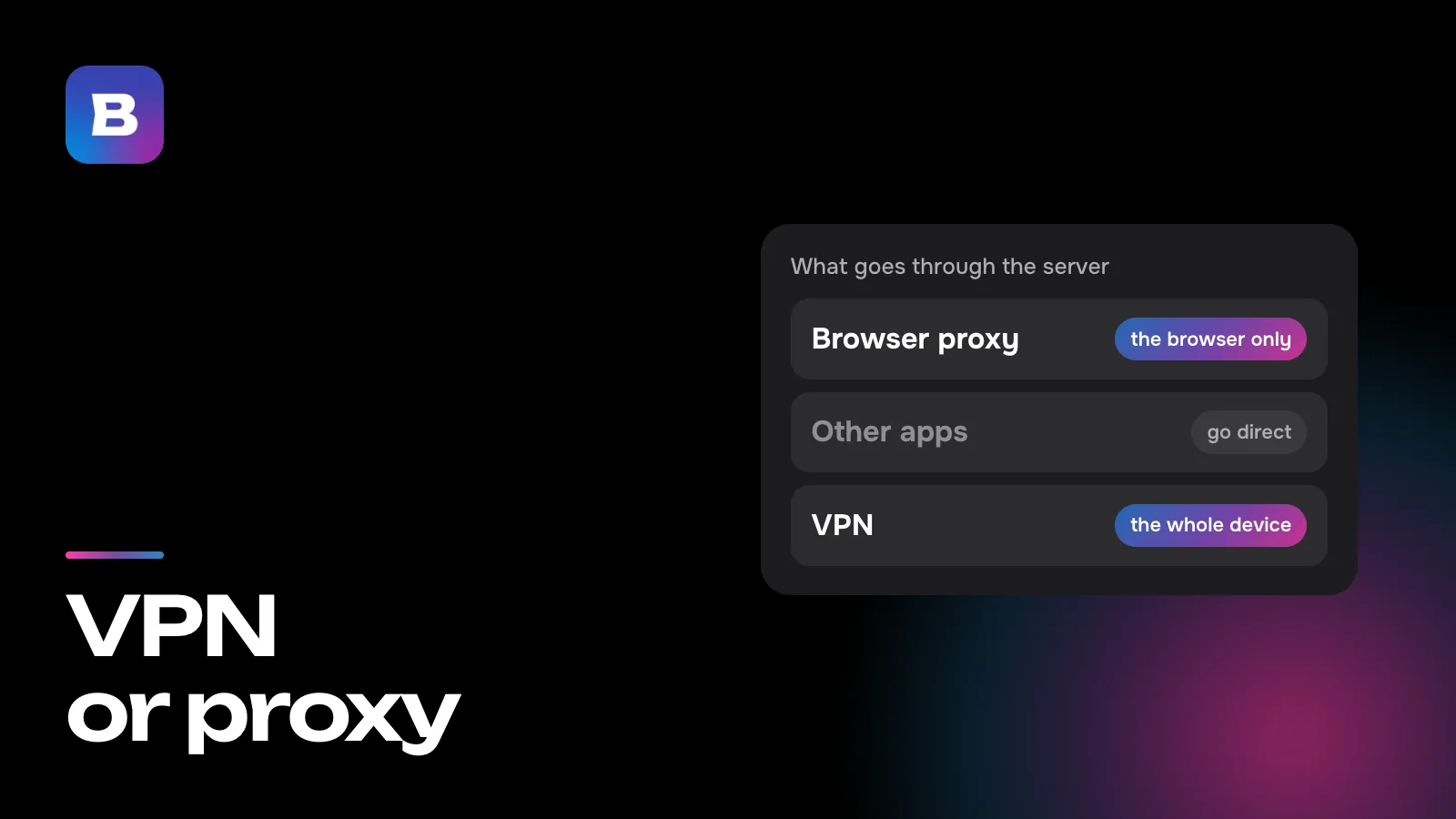
A proxy server is a middleman too, but it doesn’t create a virtual connection in your system. You enter its address in the settings of one program or one Wi-Fi network, and it only works there. Everyday situations and how to choose between the two are in the article on VPNs and proxies. Here’s what follows from how each one is built.
| What we compare | HTTP or SOCKS5 proxy | VPN app |
|---|---|---|
| Where you turn it on | In the settings of a browser, an app or a Wi-Fi network | In the system, as a separate network connection |
| Which programs it covers | Those that read those settings | Everything on the device, minus split tunneling exceptions |
| Is the leg to the middleman protected | No encryption of its own, only HTTPS pages are covered | Yes, with session keys from the handshake |
| DNS lookups | Often skip the proxy and go straight to your provider | Stay inside the tunnel |
| What your provider gets | Site names, plus page contents without HTTPS | The server’s address, when traffic flowed and how much |
Some proxies do encrypt, Shadowsocks for one. The protocols Bebra runs on started out as proxy protocols as well. It’s the app that turns them into a tunnel for the whole device.
Exceptions to the route
The “everything into the tunnel” route can be fine-tuned. Split tunneling leaves some addresses or apps outside the tunnel, and they reach the network directly.
In Bebra, that’s the “Tunnel” button at the top of the home screen. “Manual” mode takes a list of IP addresses, subnets or domains, each on its own line. On Android, there’s also “Apps that bypass the VPN”.
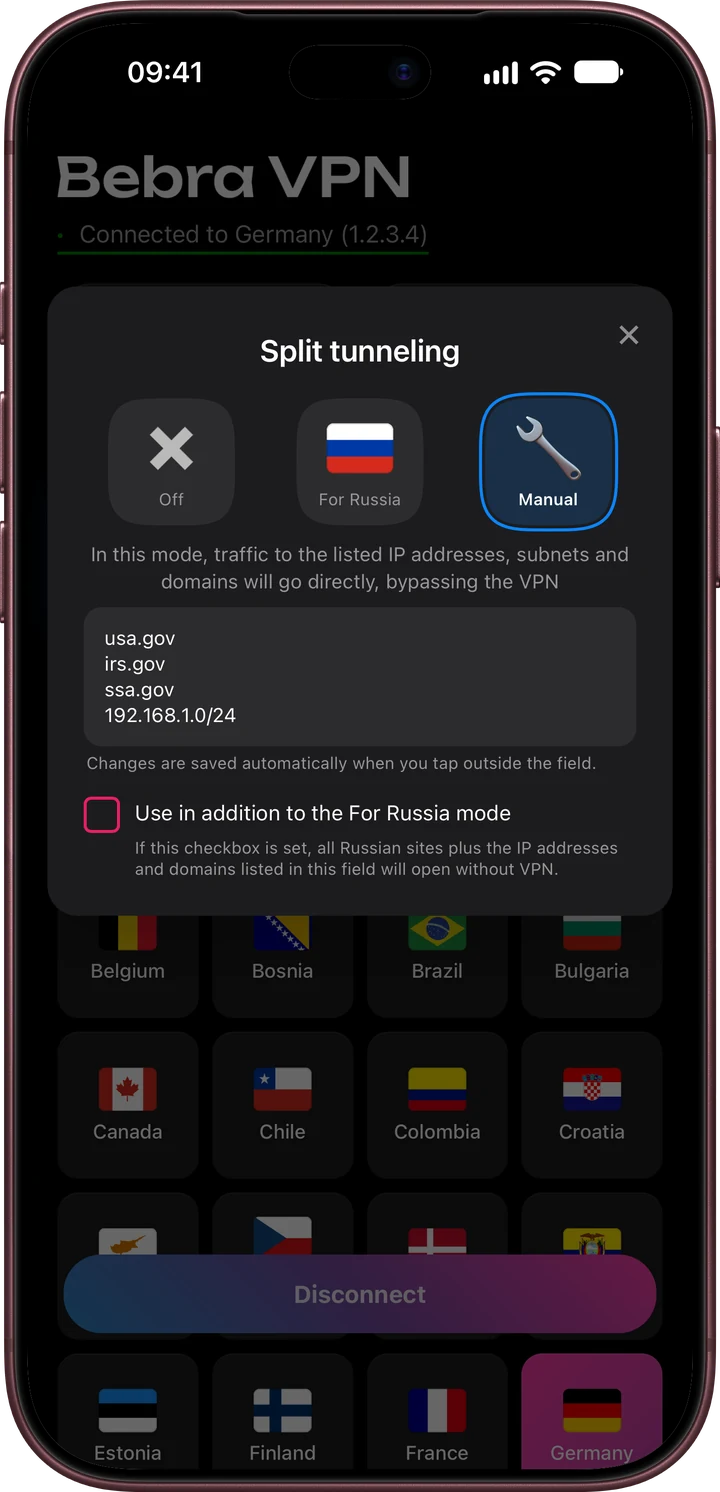
This comes in handy when a bank or another local service in your country gets wary of sign-ins from VPN addresses. Put its domains in the list, or pick its app on Android, and it’ll see your usual address. Android apps don’t always go along with it, since they can see the same virtual connection described above.
If the connection doesn’t come up
“Connected to” never showed up? Start with a neighboring tile, since a route to another country may get through where the first one didn’t. If that doesn’t help, open “Account” → “Settings” and run “Find working server”. The app rechecks its routes and gets fresh server addresses, which takes up to two minutes. If sites don’t open even with the VPN off, the problem is the network itself. Other cases, sorted by symptom, are in the article on what to do when a VPN isn’t working.
All 187 countries come with every Bebra plan, and there’s no cap on devices. You can test the tunnel on your own devices with the trial for 10 ₽. 3 days of full access.
Questions and answers
Why does my phone ask for permission the first time I turn on a VPN?
That’s the system warning you that the app is about to add a virtual network connection and send every program’s traffic through it. It asks the first time, and after that a tap on a tile is enough.
What can my internet provider see when I use a VPN?
The address of the server your device is connected to, when data moved and how much of it there was. Site names and page contents stay hidden as long as DNS lookups go through the tunnel too.
Why can’t I run two VPNs at the same time?
A phone’s system allows one VPN connection and closes the old one as soon as a new one starts. A computer doesn’t block it, but each client reconfigures the network its own way, and neither works properly.
Does a VPN cover every app or just the browser?
Every app, unless you set exceptions. Messengers, games and background programs go through the tunnel along with the browser, with no setup for each one. Exceptions are what split tunneling is for.
Why won’t my banking app work with a VPN on?
Some banks are wary of sign-ins from VPN addresses. Add the bank’s domains in the “Manual” split tunneling mode, or choose its app on Android, so it sees your usual address. If the app still notices the VPN on the device, turn the VPN off while you use it.
Does a VPN replace antivirus software?
No. A VPN protects the connection, not the device, and it doesn’t scan files. A fake site opens through the tunnel just as it would without one, so you still need system updates, antivirus and two-factor sign-in.